vJSONGet
Gets the value of a JSON key The "Key" text-field is used to select and isolate a specific entry from a JSON file. The output from the vJSONGet node is a text based data type. You can stack several vJSONGet nodes in a row to browse upwards in the hierarchy of a nested JSON structure. It is possible to translate this text based output from this node into numerical values via the vNumberFromText node. This is a useful step if you want to perform math operations downstream of this node, or if you need to connect a numerical value to an Inspector based attribute on another node.
Core / JSONJSON
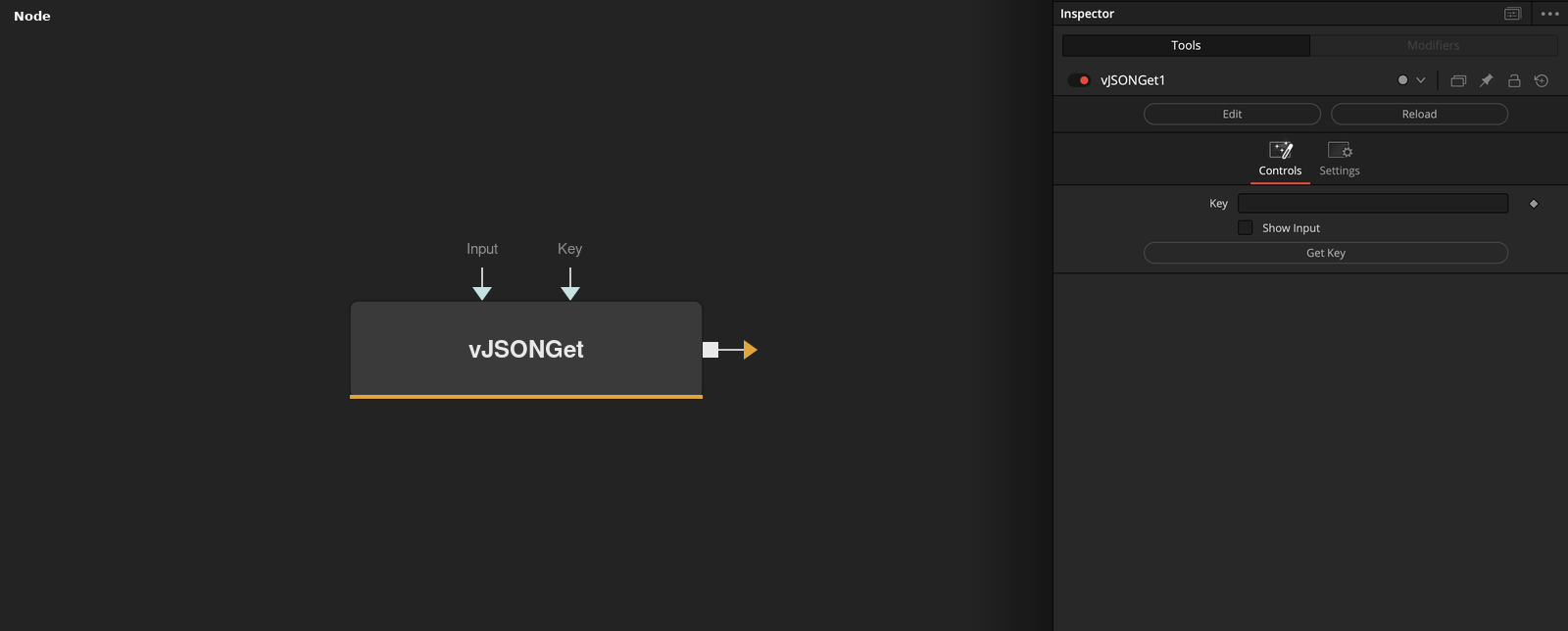
Parameters
| Parameter | Type | Default | Description |
|---|---|---|---|
| Input | Text | — | JSON text to query. |
| Key | Text | — | The JSON key to look up. Stack several vJSONGet nodes to browse deeper into a nested structure. |
| Show Input | Integer | 0.0 | Reveals the wire for the Input connection in the Flow view. |
| Get Key | Float | — | Renames this node to json_<Key>, making it easy to identify which key it reads at a glance. |